ClearedStops

Your snow route, ordered, on your phone.

Every stop on one check-off list — nothing lives in someone's memory. Built for 1–5 truck crews, and it works through low signal and offline.

One flat price per crew, set by your area — billed in-season only.

Import your list — get started

How it works

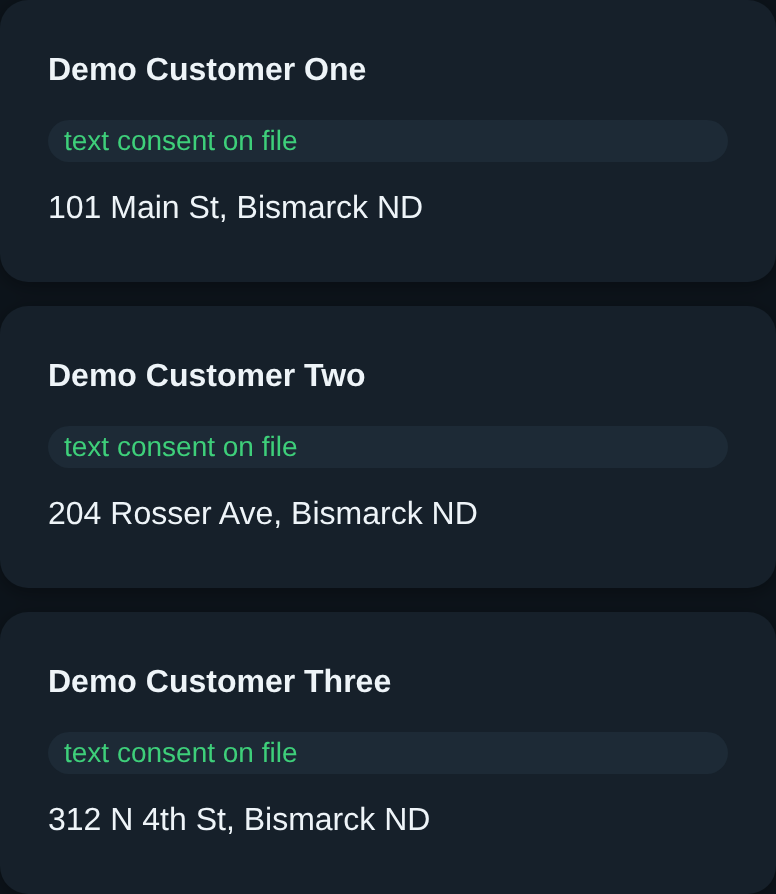
The ClearedStops book: a crew's customer list with names and addresses
1. Load your stopsImport the list you already have. Bad rows are reported by number — never silently dropped.
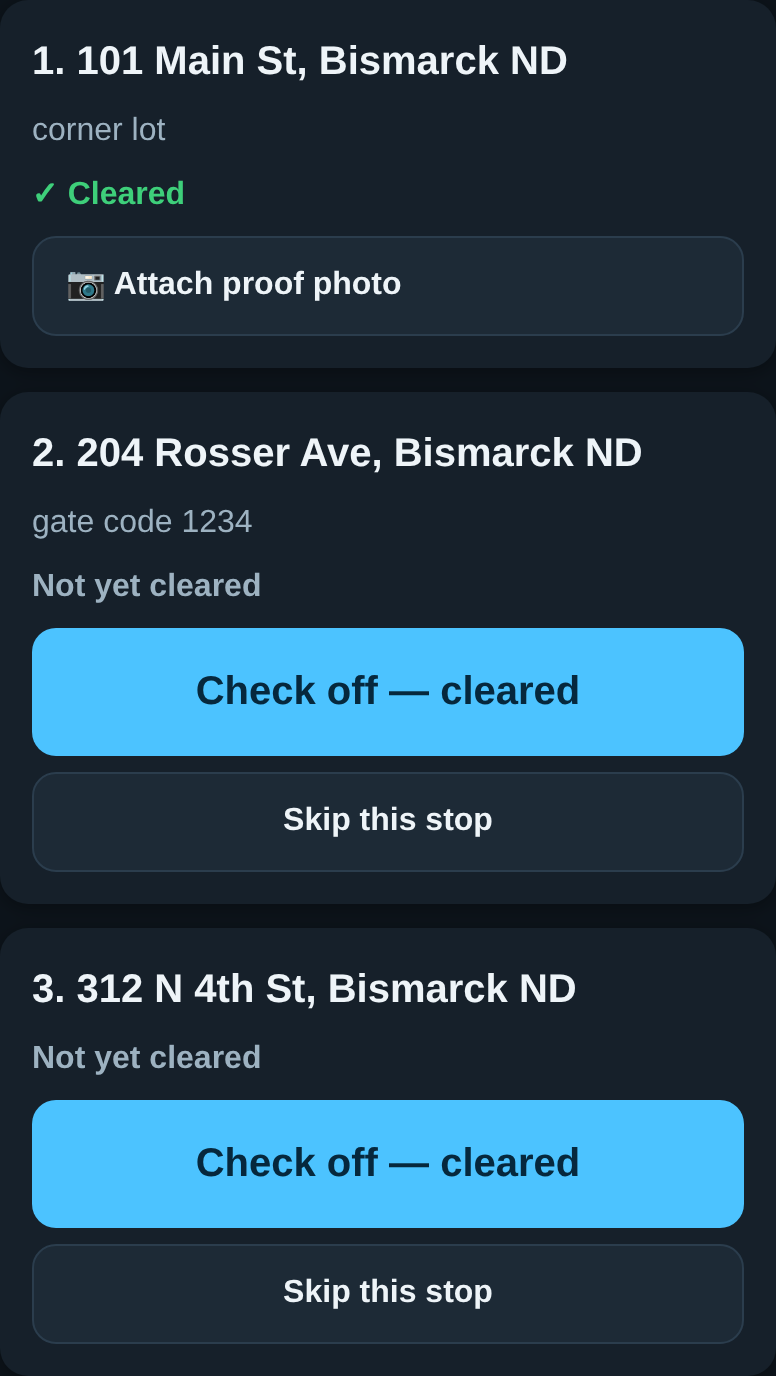
The ClearedStops run screen: stops in order, the first marked cleared, with a big check-off button
2. Run the routeYour stops, in your order, on one list. One tap per stop as you clear it.
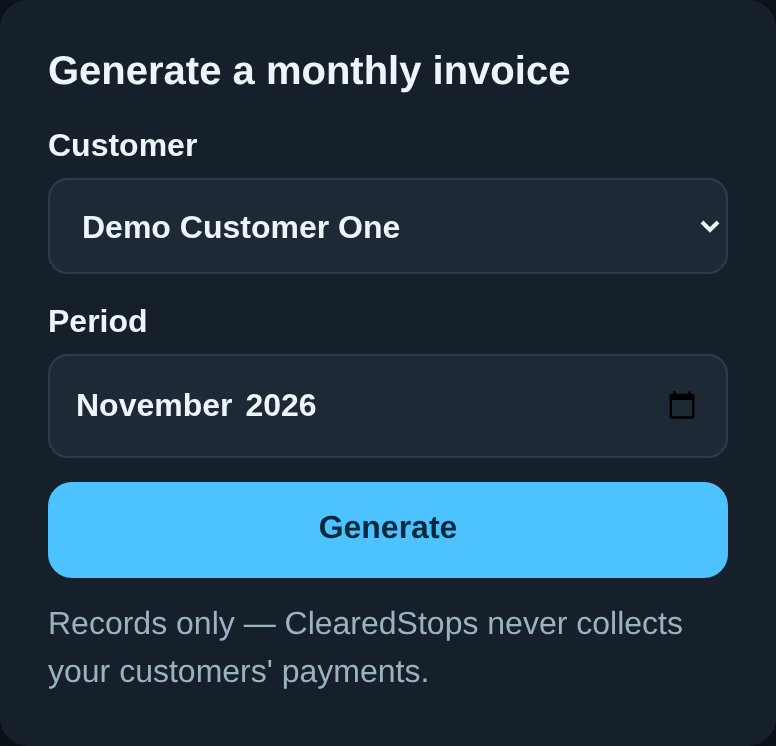
The ClearedStops invoice screen: choose a customer and a month, and closed runs become the invoice
3. Invoice from the workClosed runs become the invoice — each cleared stop a line, with the date and the address.
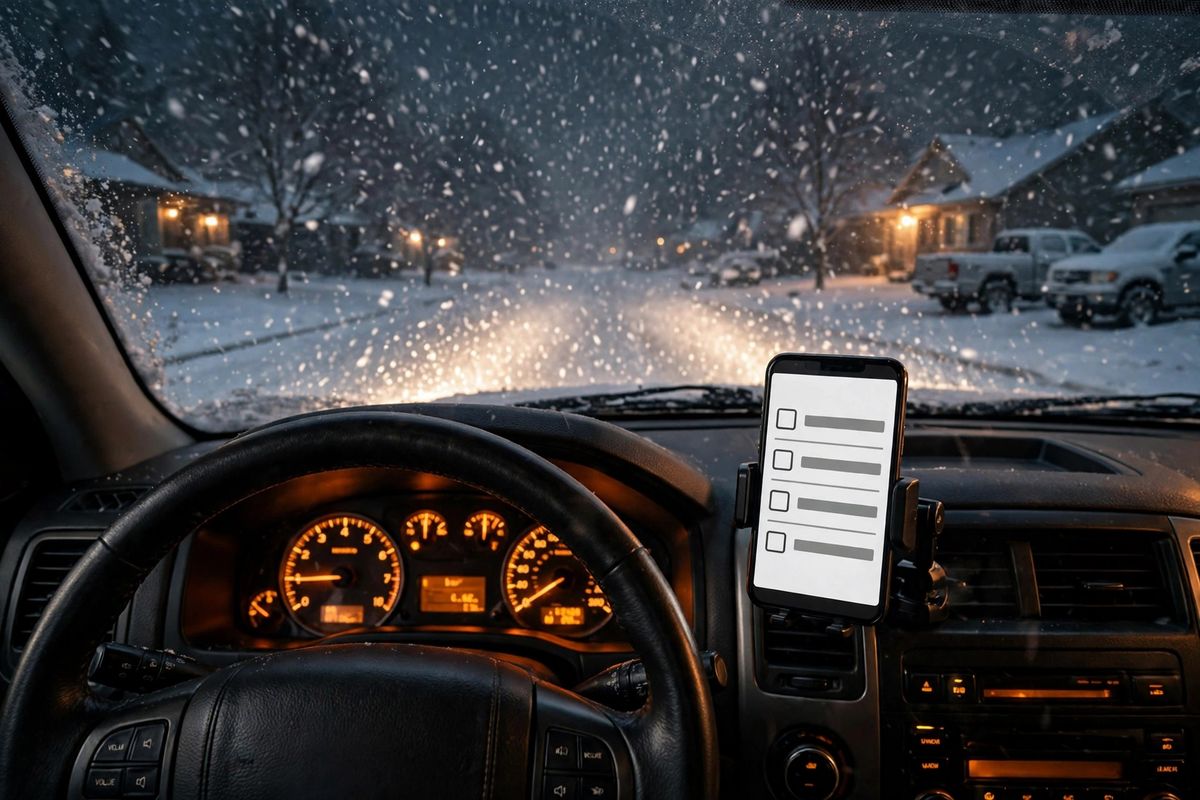
Driver's view from a plow truck cab at night, a phone mounted on the dash with the stop list

Proof you were there. A text that it's done.

Attach a timestamped proof photo at the stop. Once your crew's texting registration clears, checking off a stop sends the customer the done-text.
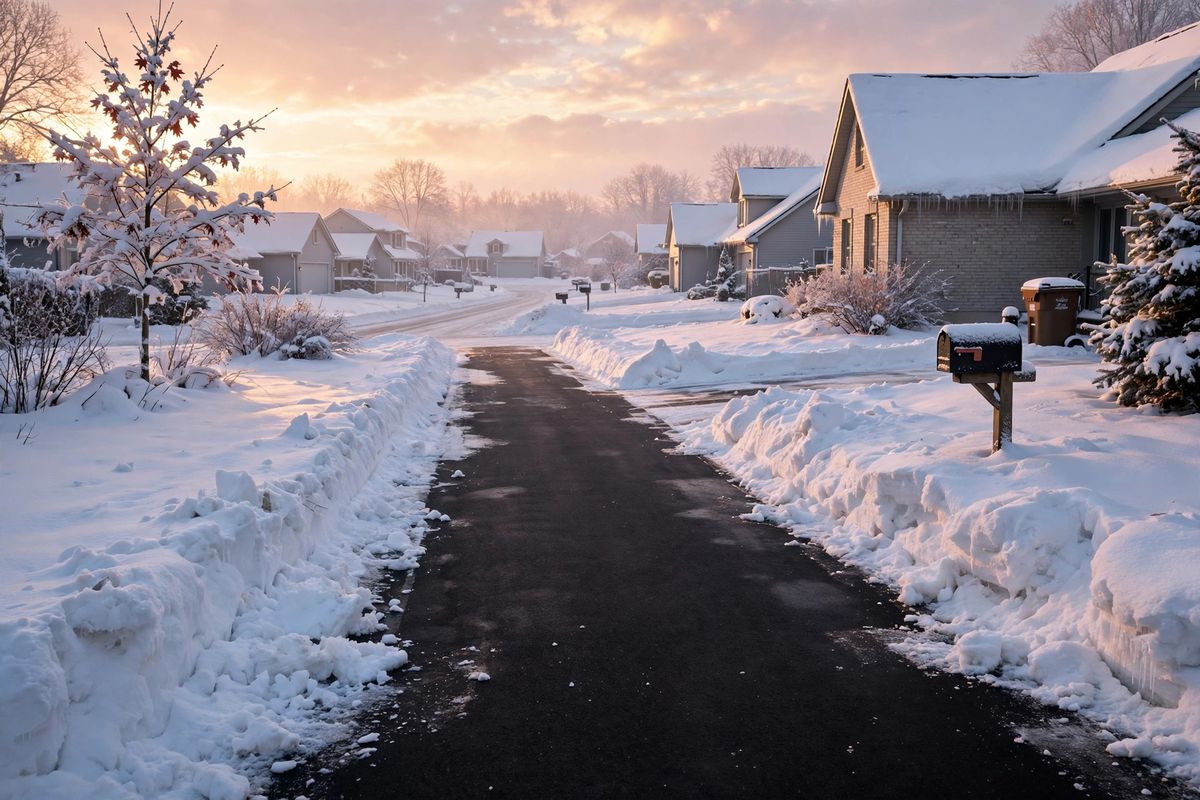
A freshly cleared driveway at dawn, a clean strip of blacktop through the snow

The month's work, already written down.

Closed runs roll into invoices — each cleared stop a line. The run screen works through low signal and offline; check-offs queue and sync when signal returns.

Sign in

Driver sign-in (crew ID + PIN)

Start a crew account

Need your driveway cleared?

Start a run

Check-offs made without signal queue on this device and sync when it returns.